· DHinfra.at · News · 2 min read
Sign in without eduID: local accounts on DHinfra.at
People without an institutional account through eduID.at can now get a local account on the DHinfra cluster by invitation.
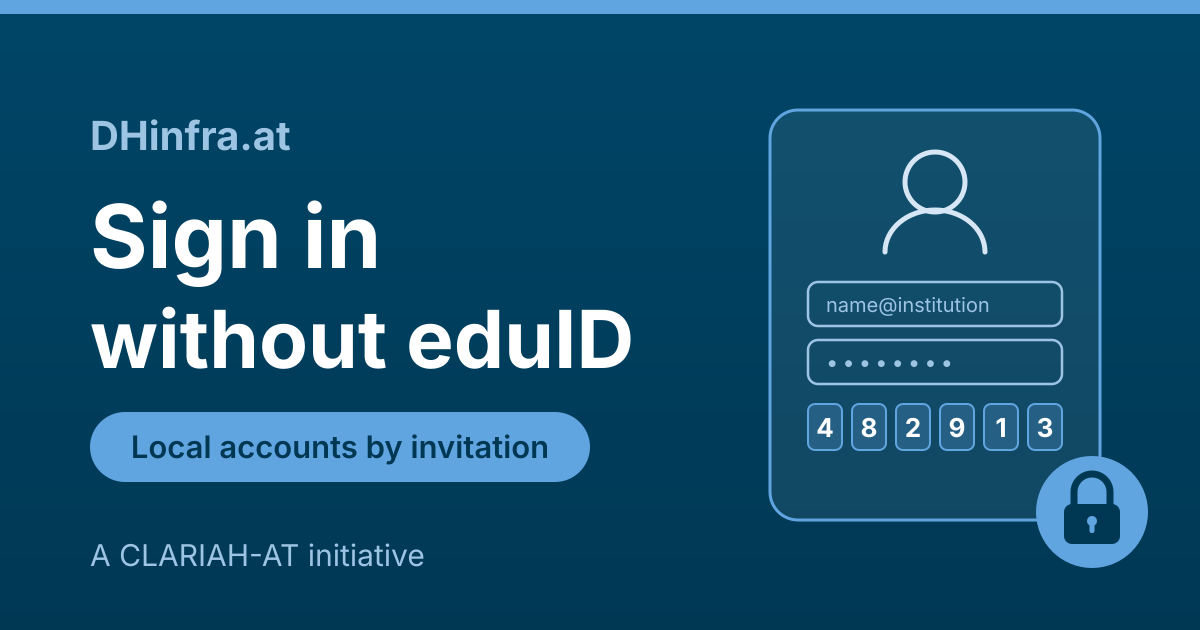
Until now, signing in to the DHinfra cluster needed an institutional account through eduID.at. People without such an account can now get a local account.
How it works
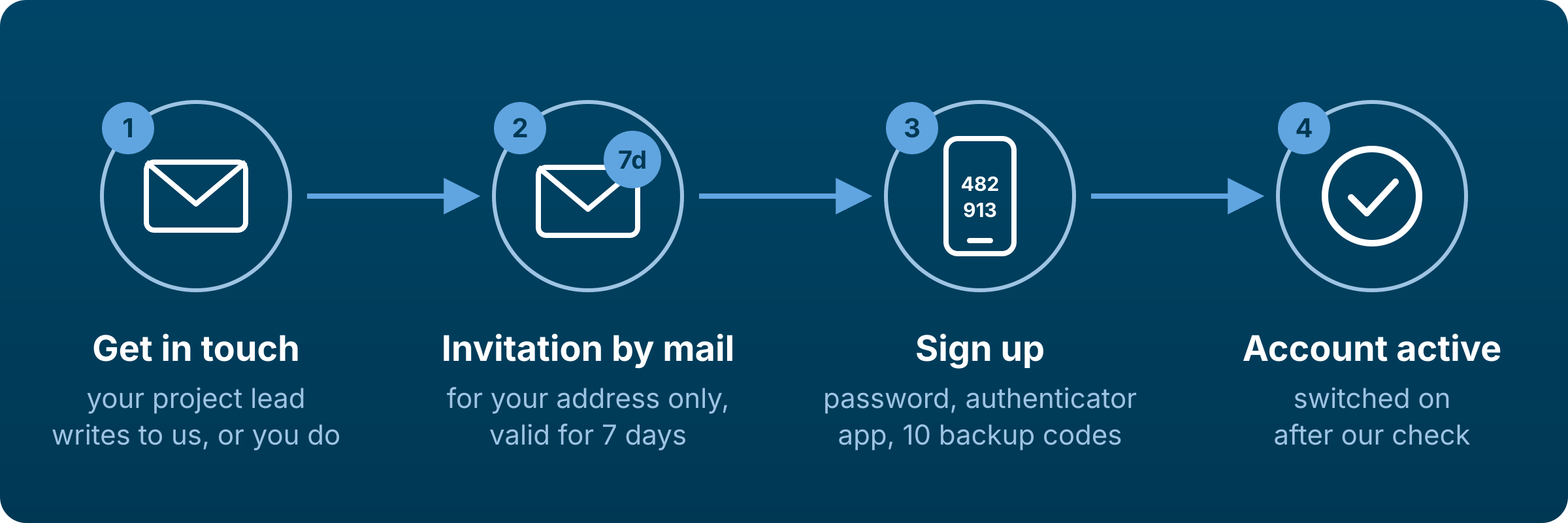
- If you want to join an existing project, contact its project lead first. The project lead writes to dhinfra@uni-graz.at with your name, institution and mail address. If you start on your own, write to us yourself and say what you want to work on.
- You get a personal invitation by mail. It works only for your address and is valid for seven days.
- When you sign up, you enter your name, institution and a password, connect an authenticator app on your phone or computer, and save ten backup codes.
- We check the sign-up and switch the account on. If the invitation names a project, you are a member of it from the start.
A local account has the same rights as an eduID account: the LLM API, JupyterHub notebooks, and Slurm jobs over SSH. For SSH you add a public key, and the authenticator app gives the second factor.
If you already have an eduID account, keep signing in with it. Questions go to dhinfra@uni-graz.at.